Staff Builder Feature

What is Staff Builder?

Staff Builder lets you place an order through your Kixxl builder yourself, the same way your customers do. These orders are kept separate, so they don’t affect your Shopify order and sales stats.

You Can Use it when you want to:

  • Place an order for a customer who contacted you by phone, chat or in person
  • Test your builder and see what your customers see

How to place a Staff Order?

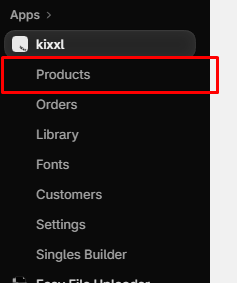
  1. In Kixxl, go to Products section.


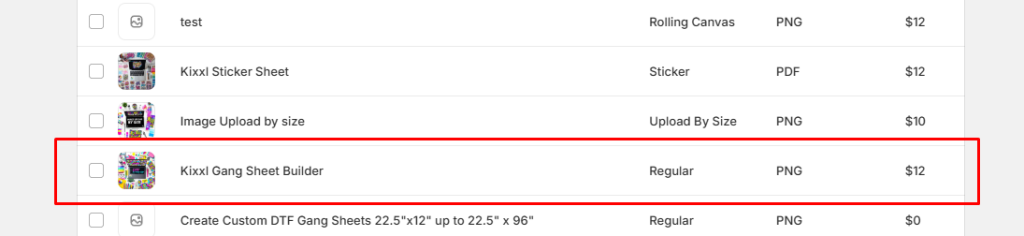
2. Open any product that is already set up (configured).
 

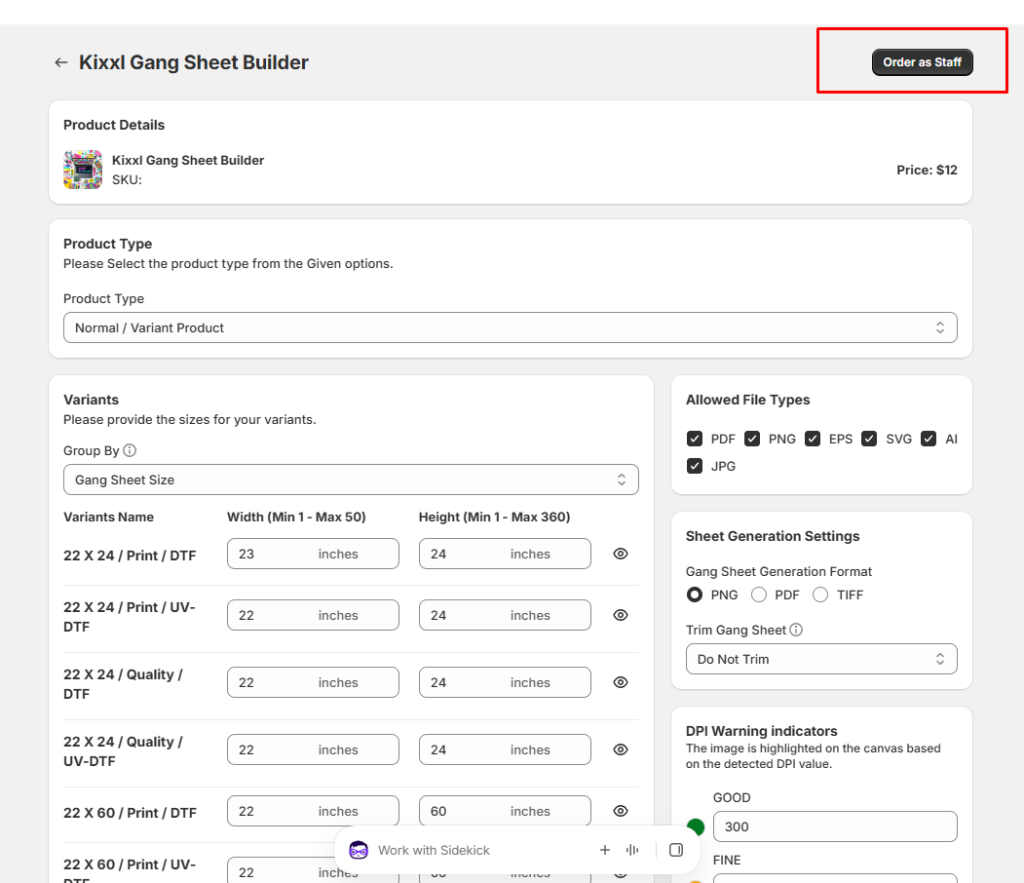
3. Click Order as Staff in the top-right corner.
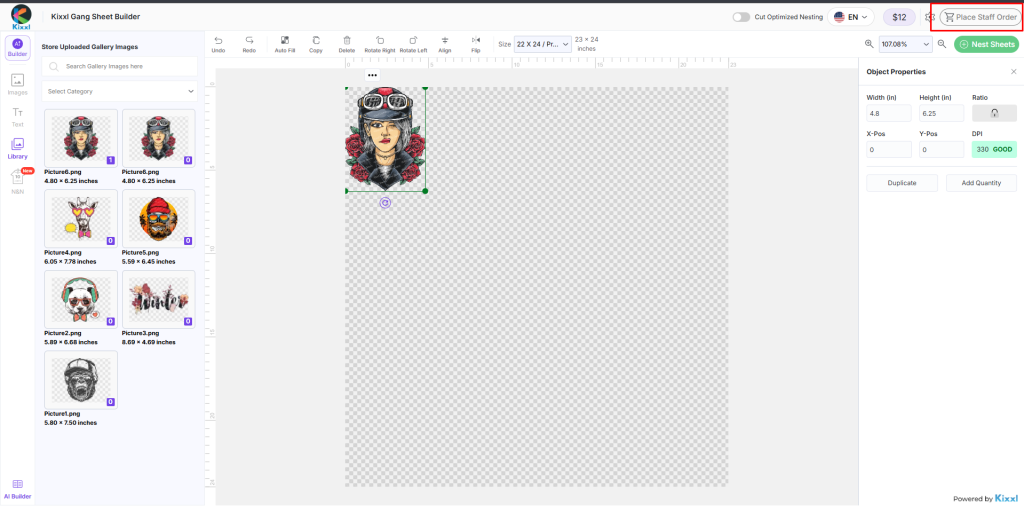
4. The builder opens. Create your design and place the order, just like a customer would.
Where to find your staff orders?

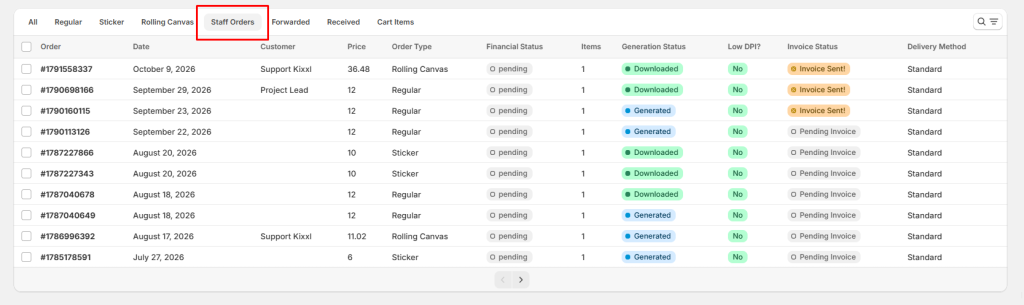
After placing the order, go to Kixxl → Orders → Staff Orders.
ON THIS PAGE