How to Add Credits For “Free Plan” in WordPress?
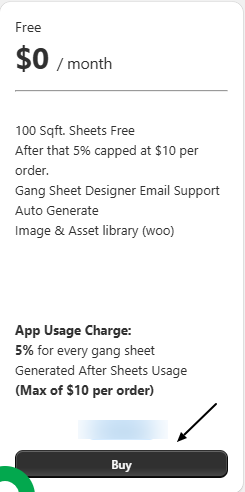
If you opt for Kixxl’s FREE PLAN, here’s how you can add credits to your Kixxl account:
- Click the BUY button under FREE PLAN.
2. Add the amount of credits you want to purchase (on the left side of the tab)

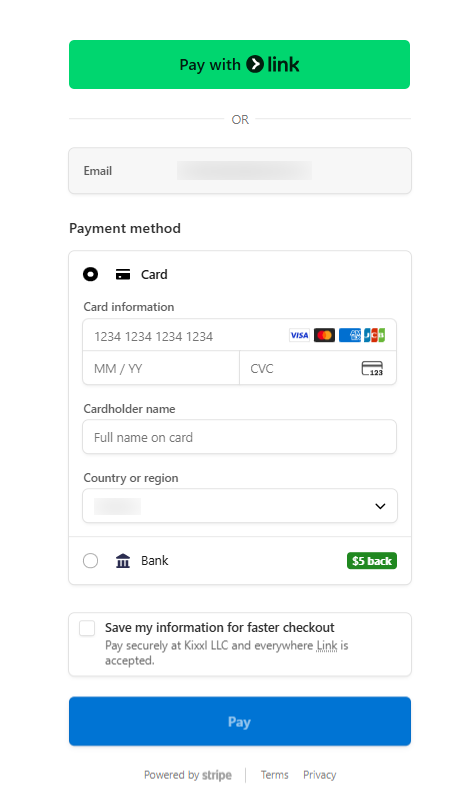
3. Select the payment method: Pay with Stripe Link OR Bank/Card.
4. Enter your required details and continue with payment.
5. Once your payment is approved, you can see Kixxl on the left side bar of your WooCommerce store.
6. You can view your remaining credits on Kixxl’s dashboard.