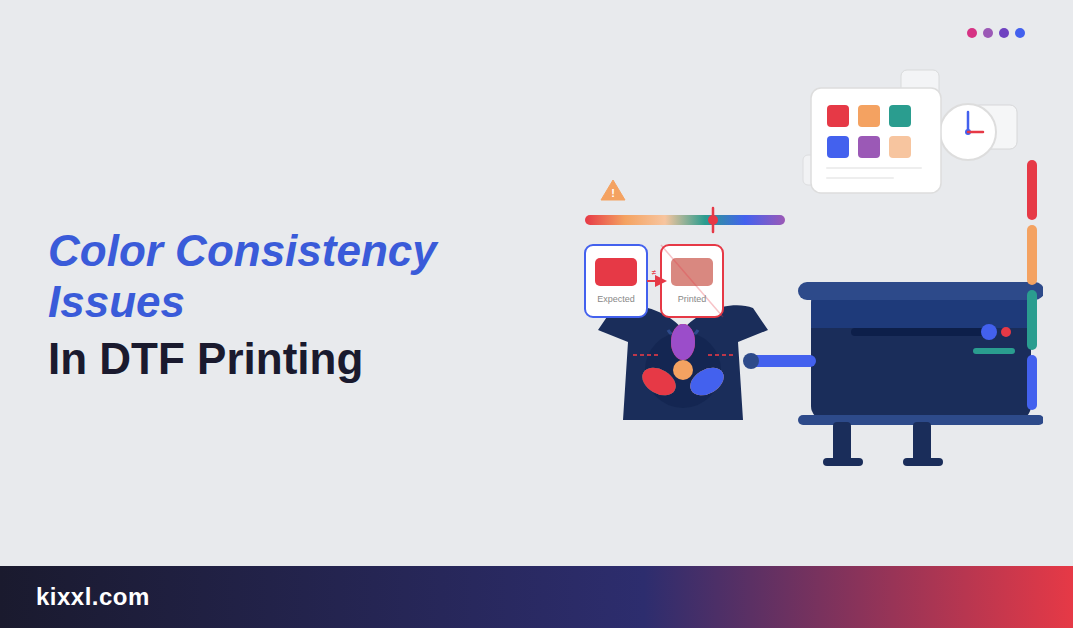
Key Takeaways
- Color inconsistency is a silent business killer, damaging your reputation and revenue without warning.
- Multiple factors cause color shifts such as Ink profiles, film quality, heat press conditions, curing, and fabric type.
- AI tools like Kixxl offer exceptional features like background removal, and cut-line generation, making consistent output achievable even at high order volumes.
Introduction
In DTF (Direct-to-Film) printing, color inconsistency is one of the most common pain points for print shops, brand owners, and custom apparel businesses alike.
You spend months building your brand. You pick the perfect shades, but when your customer receives the product, the color looks slightly different. Not completely wrong, just a bit off. That small difference can reduce trust, lead to reprints, and cost you money.
People take color consistency as a “nice-to-have” thing in printing, but actually, it’s a business-critical requirement.
Even slight color inconsistencies in DTF prints can make your work look unprofessional and unreliable. This is the color problem no one talks about.
Colors act as brand identifiers. Studies show that consistent brand color usage increases brand recognition by up to 80%.
This blog explains why color accuracy matters so much, what causes inconsistencies in DTF printing, and how modern AI-powered tools like Kixxl make it achievable.
Why Does Color Accuracy Matter So Much for Print Shop Owners?
Color accuracy means getting the same hue, saturation, and tone across every print run regardless of garment color, fabric type, or order size.
When a customer sends you their brand designs or logo, they’re trusting you to reproduce it exactly. A slight color shift might seem minor to you. To them, it’s their brand and can directly affect their brand reputation.
Additionally, it hits your DTF business in many ways such as:
- Reprints cost you money: Every time a print doesn’t match, you bear the cost of redoing it, which means extra film, ink, labor, and time. A single reprint on a bulk order can eat your profit margin entirely.
- Clients don’t complain, they leave: Most customers won’t call to argue about a color. They’ll quietly take their next order somewhere else. Color mistakes are silent business killers.
- Word of mouth cuts both ways: A customer who gets consistent, accurate prints will refer others. Also, the customer who gets inconsistent results will warn others. In the custom print business, your reputation travels fast.
Also, Consider these facts:
- 62–90% of a customer’s first impression of a product is based on color alone (Institute for Color Research)
- Poor brand consistency can cost businesses up to 23% in lost revenue.
Common Color Consistency Issues in DTF Printing
Here are some most common color inconsistencies problems:
Ink Related Issues
- Ink issues are the most common root cause. Using the wrong ICC/color profile in your RIP software means the printer doesn’t translate the exact screen colors to ink output, which results in muted or color-shifted designs.
- Moreover, if saturation settings are too conservative or ink density is low, it causes dull, washed-out prints.
- In addition to this, using expired or low-quality ink pigments makes inks lose vibrancy and bonding strength. Clogged or misaligned printheads cause banding, blurring, and uneven color coverage.
Film & Powder Problems
- Film and powder directly affect how the design transfers to fabric. Cheap PET film absorbs ink unevenly, causing color discrepancy.
- Uneven hot melt powder distribution creates patchy bonding… Some areas bond well, others peel or look faded.
- The white ink underbase layer is critical on dark garments; if it’s too thin, colors printed on top appear dull because the fabric color bleeds through.
Heat Press Conditions
- While heat pressing, too low a temperature fails to fully activate the adhesive powder, which results in dull colors and prints that wash out quickly.
- On the other hand, too high a temperature scorches the ink, which further causes the color shift. (Fabric or print can get yellowish marks or slight burns).
- Applying uneven platen pressure can restrict the design from bonding properly with the fabric. Also, any moisture trapped in the fabric or film turns into steam and blurs the print during transfer.
Curing Issues
- Curing typically happens in the powder melting oven stage. Undercuring leaves the powder bond weak and powdery, which makes colors look dull and the print cracks.
- Overcuring causes ink pigments to break down and shift color, often towards a brownish or faded tone.
Fabric Compatibility
- This is a quite overlooked factor in DTF printing, but it really affects the printing results. For example, high-polyester fabrics cause dye migration.
(When you print on high-polyester fabrics, the fabric’s own color can move because of heat and mix up into the design. It can change your print colors, especially turning whites or light colors slightly tinted or dull). - Also, if the fabric surface is rough or heavily textured, a clean transfer will not happen. The ink spreads into the tiny gaps of the fabric instead of sitting nicely on top, and that results in blurry edges and dull colors.
👉 Read the Full Guide → Everything you need to know about Color Management in DTF Printing]
How Does AI Help in Maintaining Color & Design Consistency in DTF Printing?
This is where AI is starting to make a noticeable difference. Tasks that once demanded hours of manual work, years of hands-on experience, and endless trial-and-error adjustments can now be handled more efficiently.
Moreover, tools like Kixxl give print shop owners greater control over their workflow, making the entire printing process simpler, more consistent, and far easier to manage.
Here’s how AI helps keep your colors accurate and consistent:
Prepares Smart designs without hassle
Design preparation has long been one of the most time-consuming parts of the printing process. Removing backgrounds, trimming extra space, and removing specific colors for fine details… all these require your valuable time.
Now, AI-powered tools handle much of this automatically. They recognize shapes and colors and enhance image clarity in a matter of seconds. Also, having a clean, print-ready design means fewer errors down the line.
Print Accurate Colors Without the Uncertainty
One of the most frustrating challenges in DTF printing is getting colors to look on fabric the way they appear on your screen. AI takes the guesswork out of this process by automatically fine-tuning color profiles based on the design and current printing conditions.
This is valuable, especially when you are managing a high volume of orders. Instead of adjusting each design separately, the system handles the calibration for you, keeping colors uniform from one print to the next.
Advance Color Replacement
When a customer submits a logo or design, they often expect the printed colors to match their brand colors exactly. However, achieving this manually, that too, without the right tools, is time-consuming and often inconsistent.
Kixxl’s Advance color replacement feature allows print shop owners to change any specific color within a design to match exactly what the customer wants without redesigning the entire artwork.
Supports Design-cutting Precision
In sticker and label production, getting clean cuts around each design is just as important as the print quality itself. However, it requires a lot of manual effort and time.
AI tools like Kixxl can automatically generate contour cut-lines for any image within seconds, removing the need for manual tracing. This matters because vinyl cutters rely entirely on these cut-lines to do their job accurately. The more precise the cut-line, the cleaner the final product.
What makes this even more practical for busy print shops is the ability to handle multiple designs on a single sheet, each with its own individual cut-line. The AI maps out every design separately, and the vinyl cutter follows each path without confusion.
Conclusion
Color consistency is not just a technical detail in DTF printing; it reflects your print shop’s quality and professionalism.
When colors shift between orders, fade after washing, or fail to match what the customer expected, it damages trust. It increases costs through reprints and wasted materials.
However, achieving consistent DTF printing color is no longer as complicated as it once was.
With the right combination of calibrated equipment, proper color profiles, high-quality inks, and AI-powered tools, print shop owners can eliminate much of the guesswork from the process.