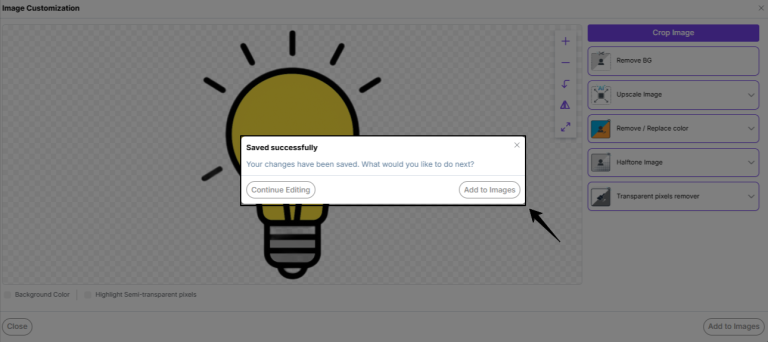
Confirmation Popup After clicking “Save” on Edit Image option
Updated
After editing a image in the Kixxl Editor, when you click Save to apply the changes, a confirmation popup appears with the following options:
Continue Editing (it will return to the kixxl’s image customization window. This allows you to make additional edits using the available editing tools before saving the final version) OR
Add to Images (it will save the edited image to your Kixxl Image Library. The image will be available for future use, allowing you to quickly reuse it in other gang sheets without uploading it again.)
This gives users the flexibility to either continue refining the artwork or save the edited version for later use.